
- Posted on
- • Movies and Editing
Top Video Editing Programs: Which One Fits Your Creative Workflow?
- Author
-
-
- User
- CutPrintFilm-John
- Posts by this author
- Posts by this author
-
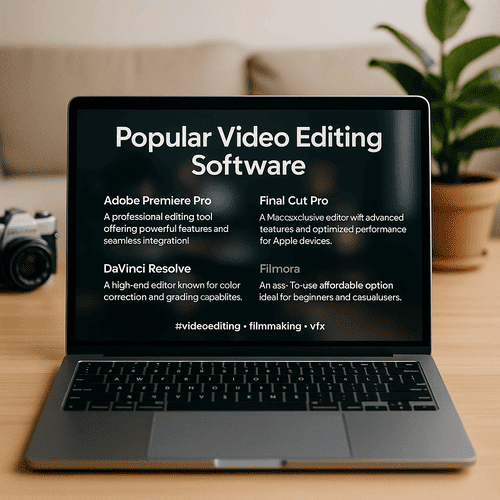
Popular Video Editing Programs & What They Offer
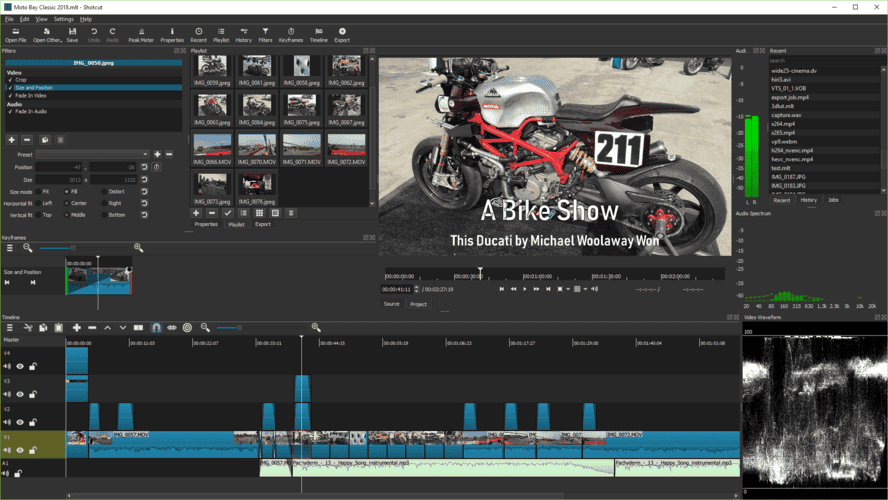
1. DaVinci Resolve DaVinci Resolve is often considered the gold standard among free video editing tools. It combines professional editing, color grading, visual effects, and audio post-production in a single platform. Its advanced color correction tools are widely used in the film industry, and the free version already provides a powerful toolkit. The paid Studio version offers even more features, such as advanced noise reduction, 3D tools, and additional effects. If your work requires cinematic quality and detailed precision, DaVinci Resolve is one of the strongest choices on the market.
2. Wondershare Filmora
Filmora is designed for creators who want to edit quickly and efficiently without spending months learning complicated tools. Its drag-and-drop interface, built-in transitions, sound effects, and templates make it accessible to beginners while still offering enough depth for intermediate users. Many YouTubers and vloggers choose Filmora because it makes the process of editing fun and stress-free. It’s particularly strong for creating short, engaging videos for social platforms like Instagram, TikTok, or YouTube.
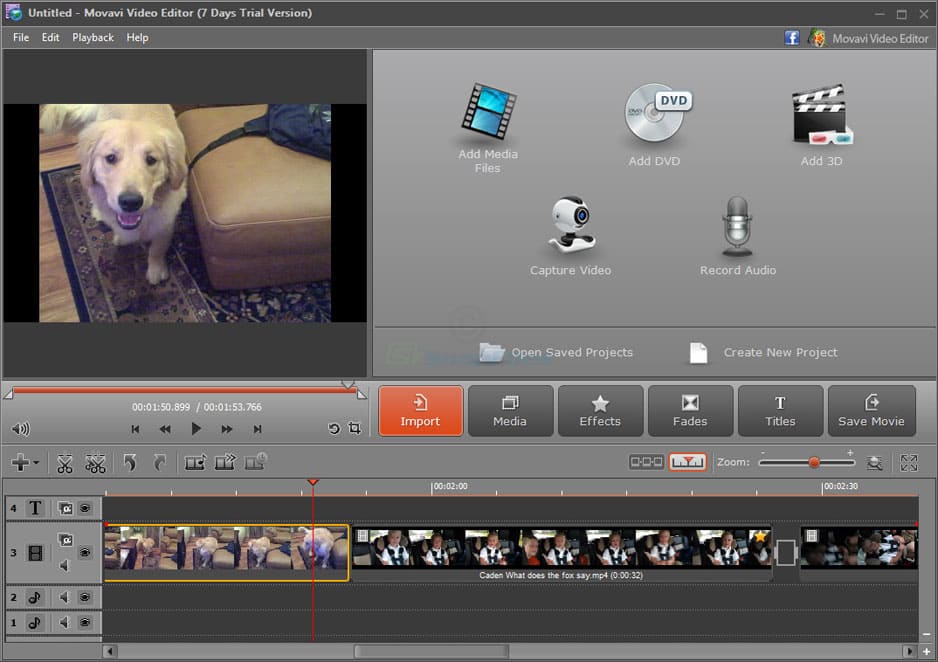
3. VSDC Free Video Editor VSDC is a Windows-only editor that offers a wide range of features for free, including non-linear editing, video effects, transitions, motion tracking, and color correction. While the interface may look less polished than that of its competitors, it supports multiple file formats and allows exporting videos in high resolution, making it very practical. The Pro version adds advanced features like hardware acceleration and video stabilization, but even the free edition is sufficient for many creators. VSDC is perfect for those who want power without spending money.
4. Kdenlive Kdenlive is a fully open-source editor that works across Windows, macOS, and Linux. It offers professional-level tools such as multi-track editing, audio mixing, and effects, while remaining free and supported by an active community. The biggest advantage of Kdenlive is its flexibility you can customize layouts and workflows, and benefit from continuous updates driven by community input. For creators who prefer open-source solutions and like to have complete control over their setup, Kdenlive is a strong alternative to commercial software.
5. Corel VideoStudio
Corel VideoStudio is a paid editor for Windows users that balances simplicity with power. It supports timeline and storyboard editing modes, making it friendly for beginners while still providing advanced tools for overlays, motion tracking, and even 360-degree video editing. Its library of effects and templates helps creators build professional-looking videos without much effort. VideoStudio is a great choice for hobbyists, educators or small businesses that need polished videos but don’t want overly complex tools.
Which One Should You Choose?
The “best” video editor depends on your needs and style of work:
If you’re working on films or need professional-level effects, color grading, and detailed editing, DaVinci Resolve is unmatched.
If your goal is to create engaging content for social media or YouTube with minimal learning time, Filmora is the easiest and most enjoyable to use.
For Windows users who want a strong free tool, VSDC is an excellent option, while Kdenlive is perfect for those who prefer open-source and cross-platform solutions.
If you need a straightforward, reliable program for personal or business projects, Corel VideoStudio offers a great balance of functionality and user-friendliness.
✨ Final Thoughts
Each program has its own strengths: DaVinci Resolve for high-end projects, Filmora for fast and creative social content, VSDC and Kdenlive for budget-friendly editing, and Corel VideoStudio for practical, everyday use. The most important thing is to pick the software that fits your workflow and creative vision. The right tool will not only save you time but also help you bring your ideas to life more effectively.